

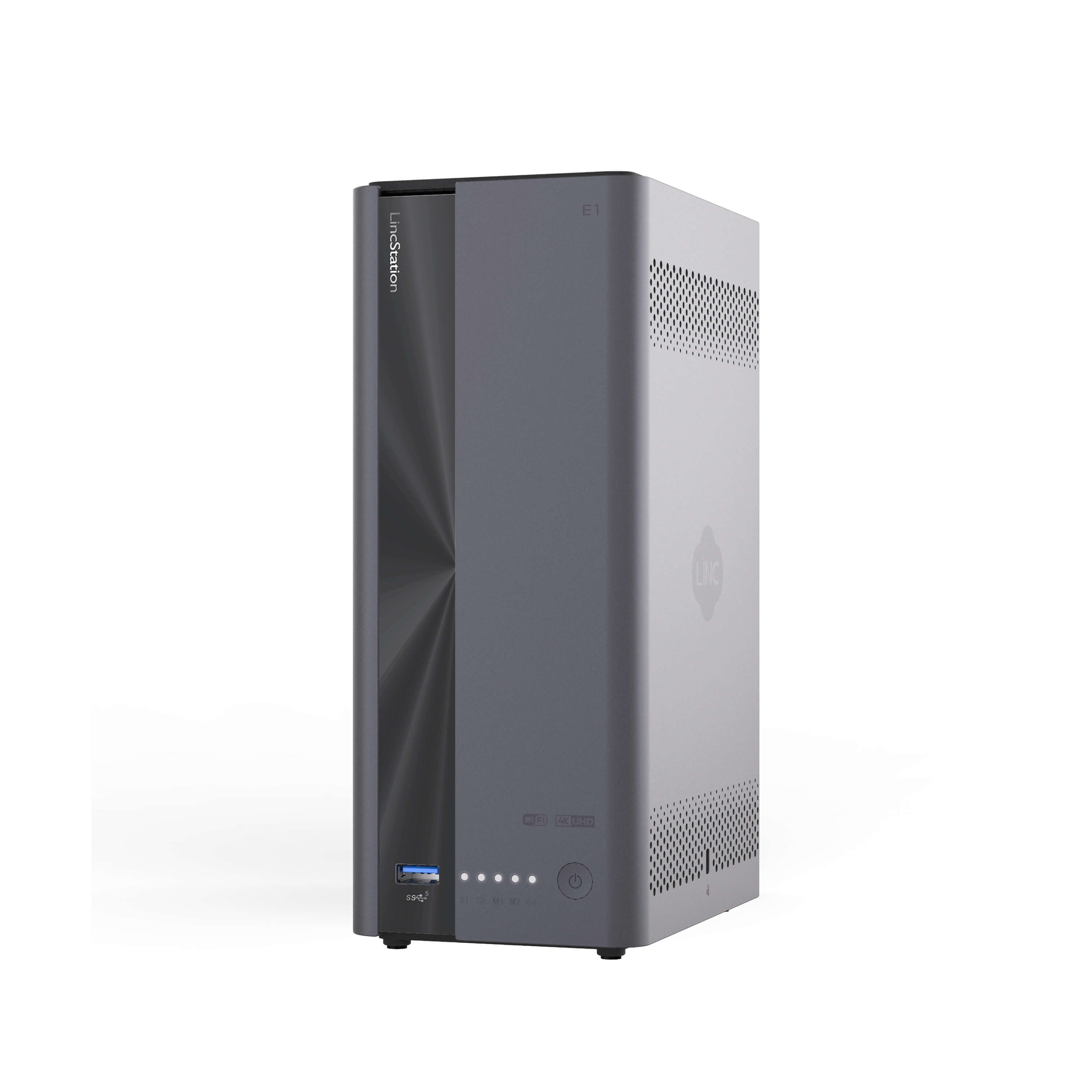






LincPlus LincStation E1 4-Bay NAS | 4GB RAM+64G ROM (Diskless)
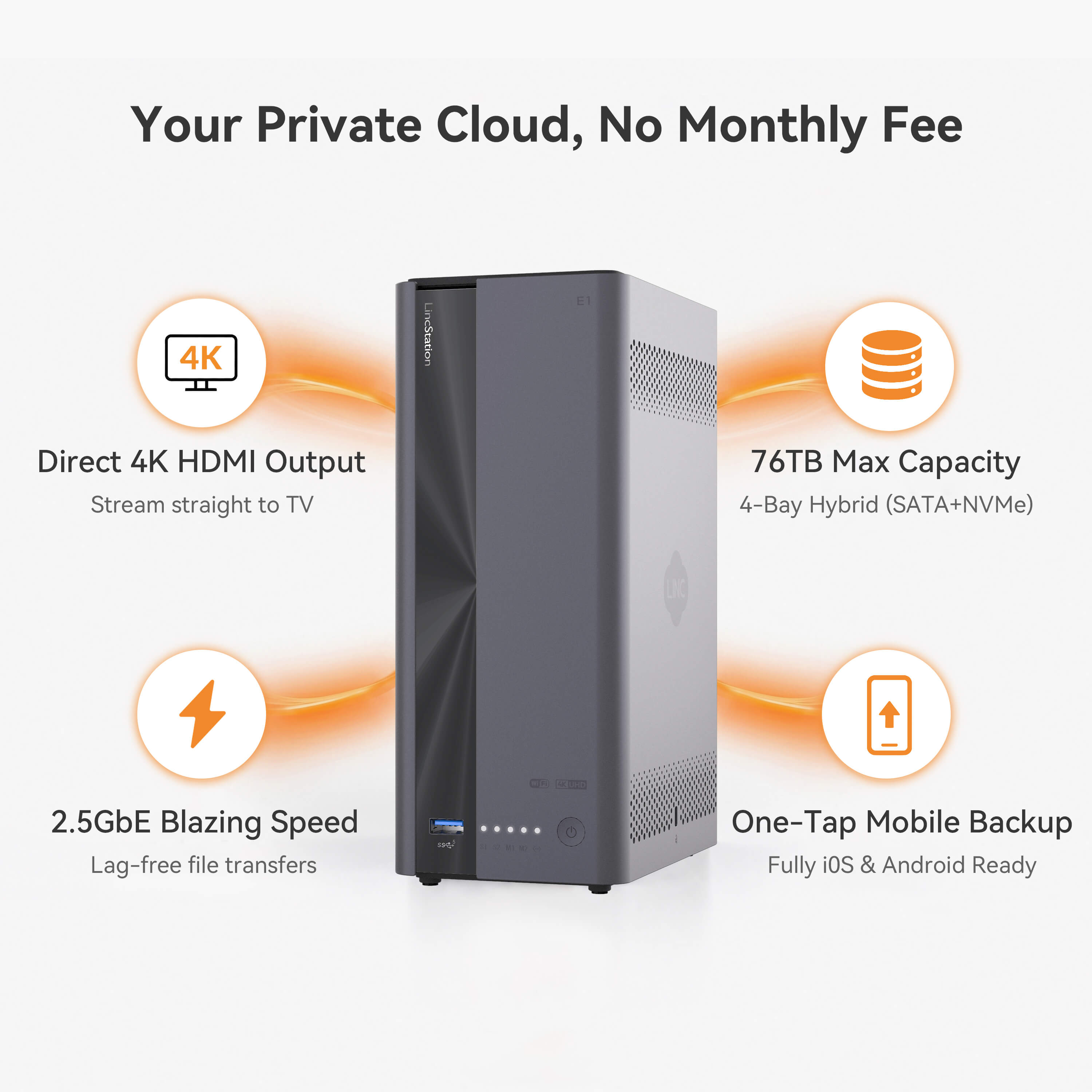
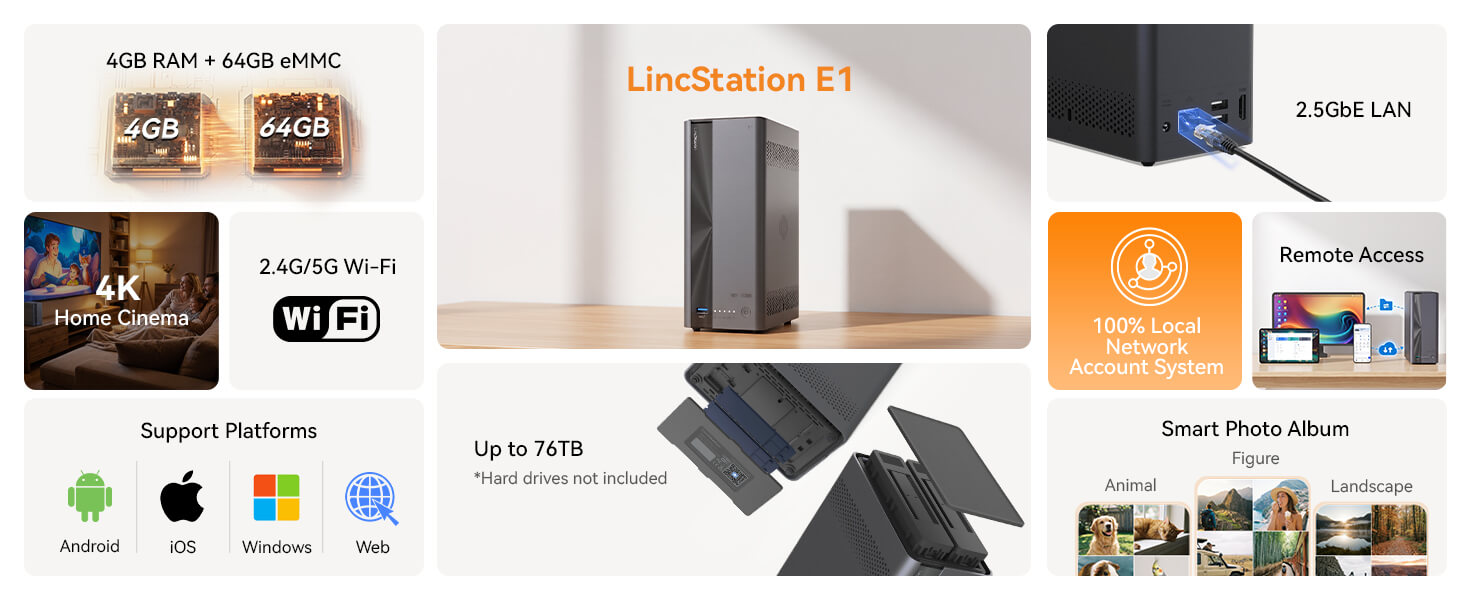
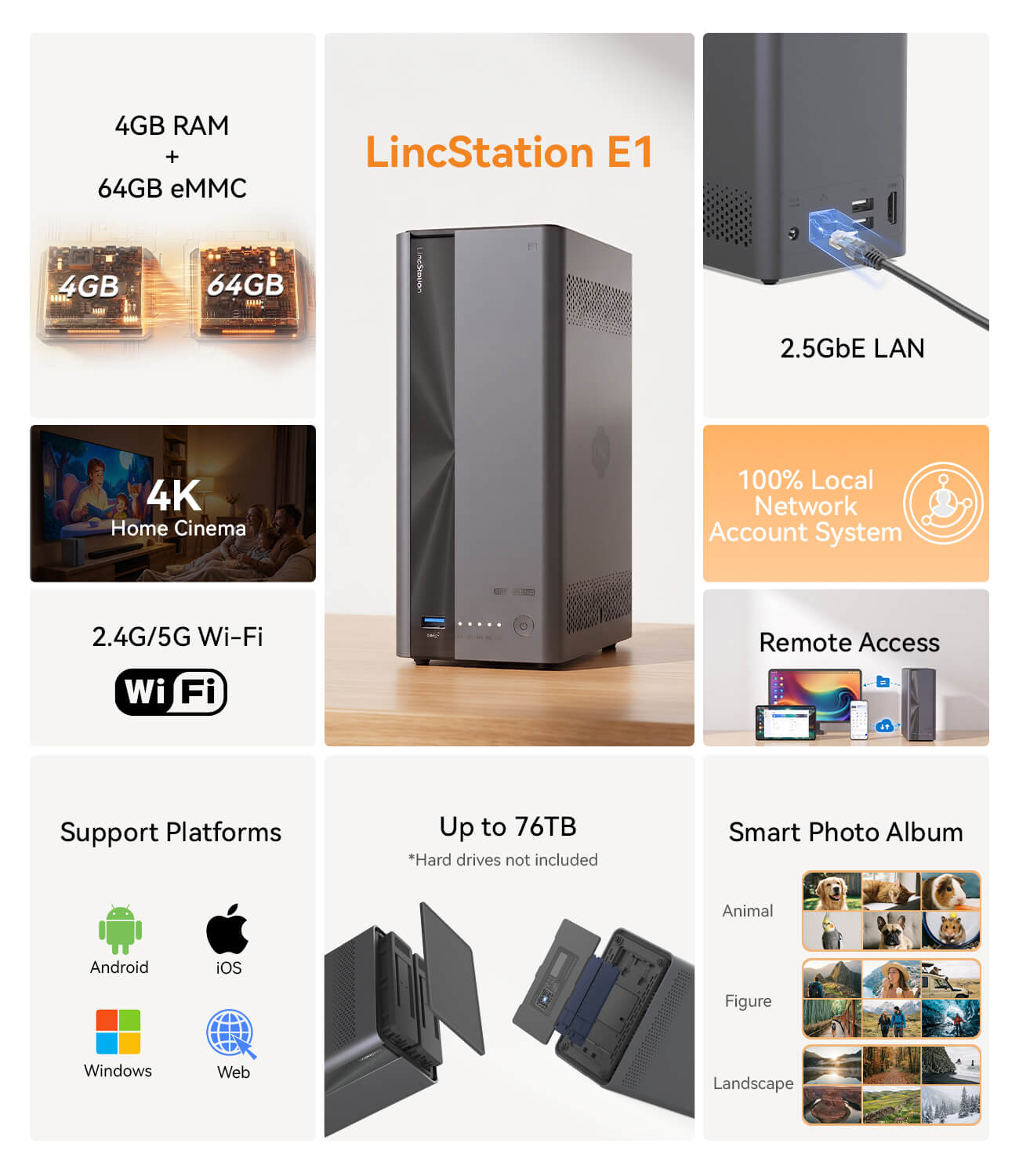
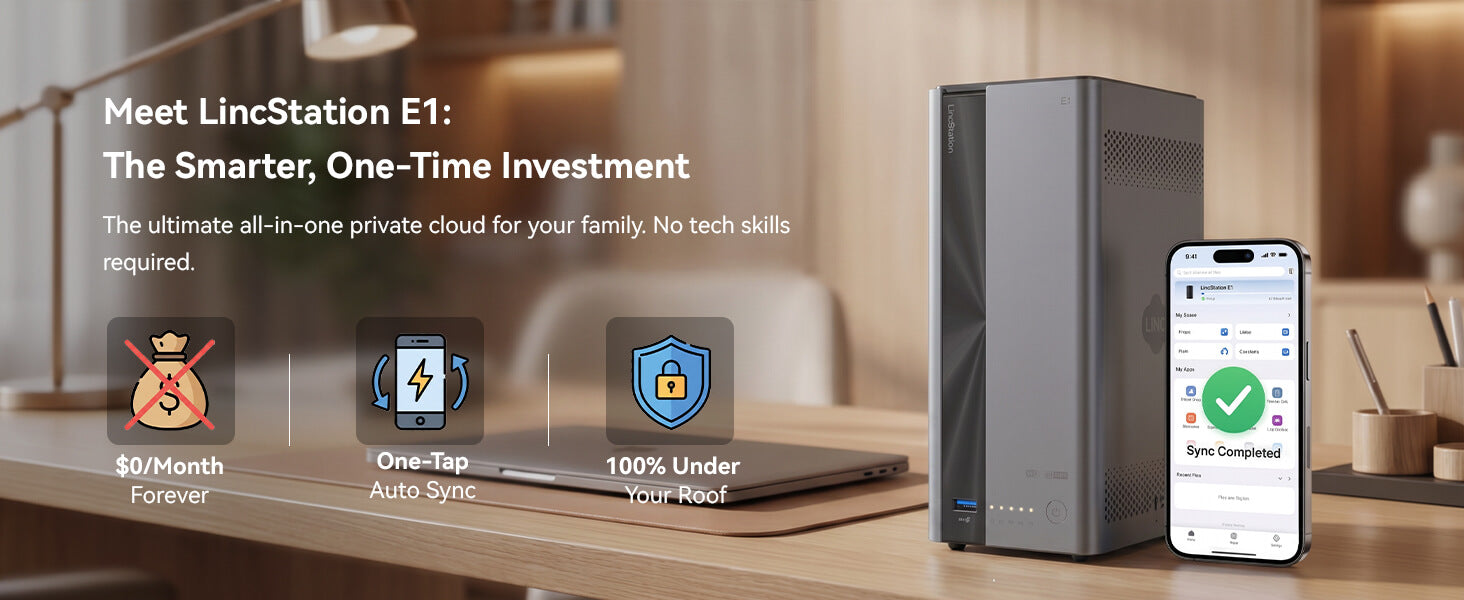
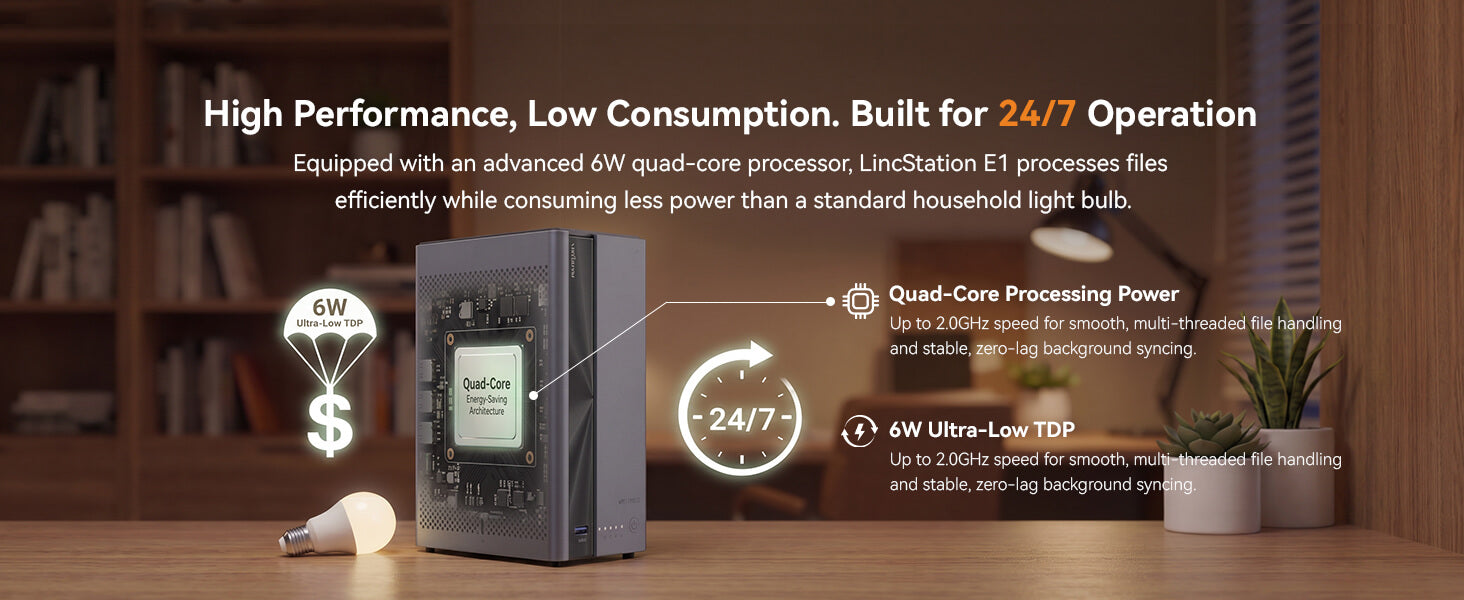
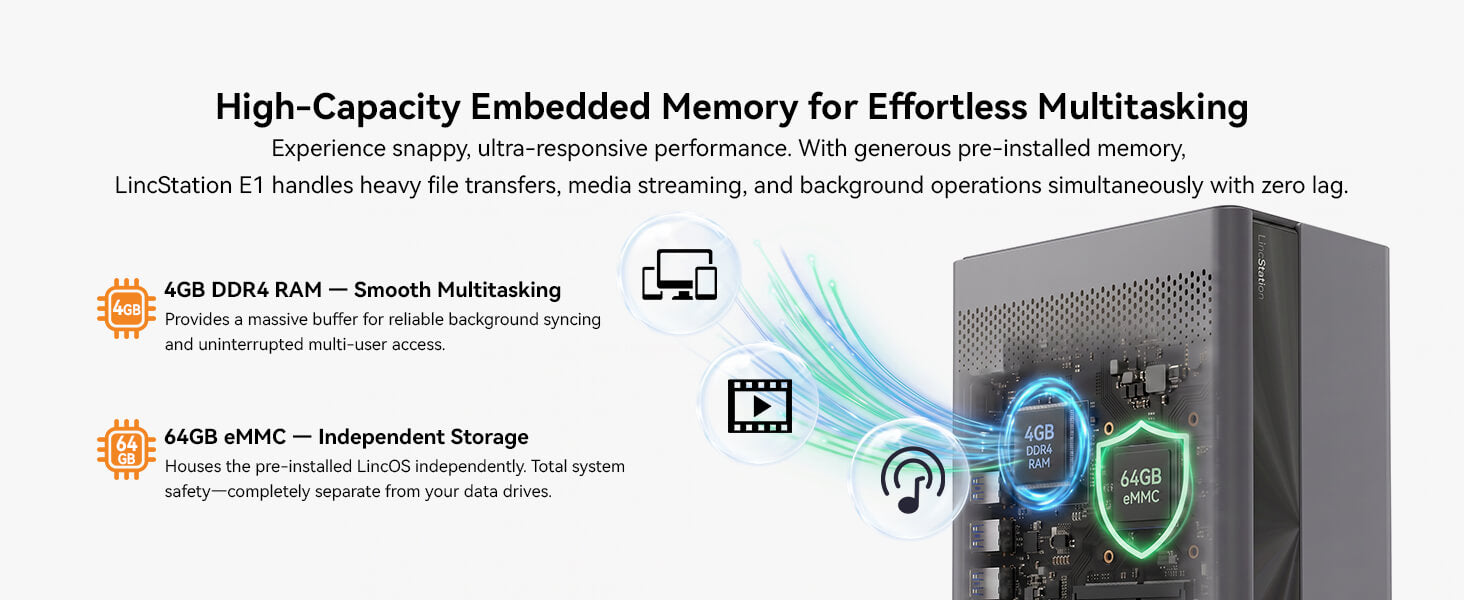
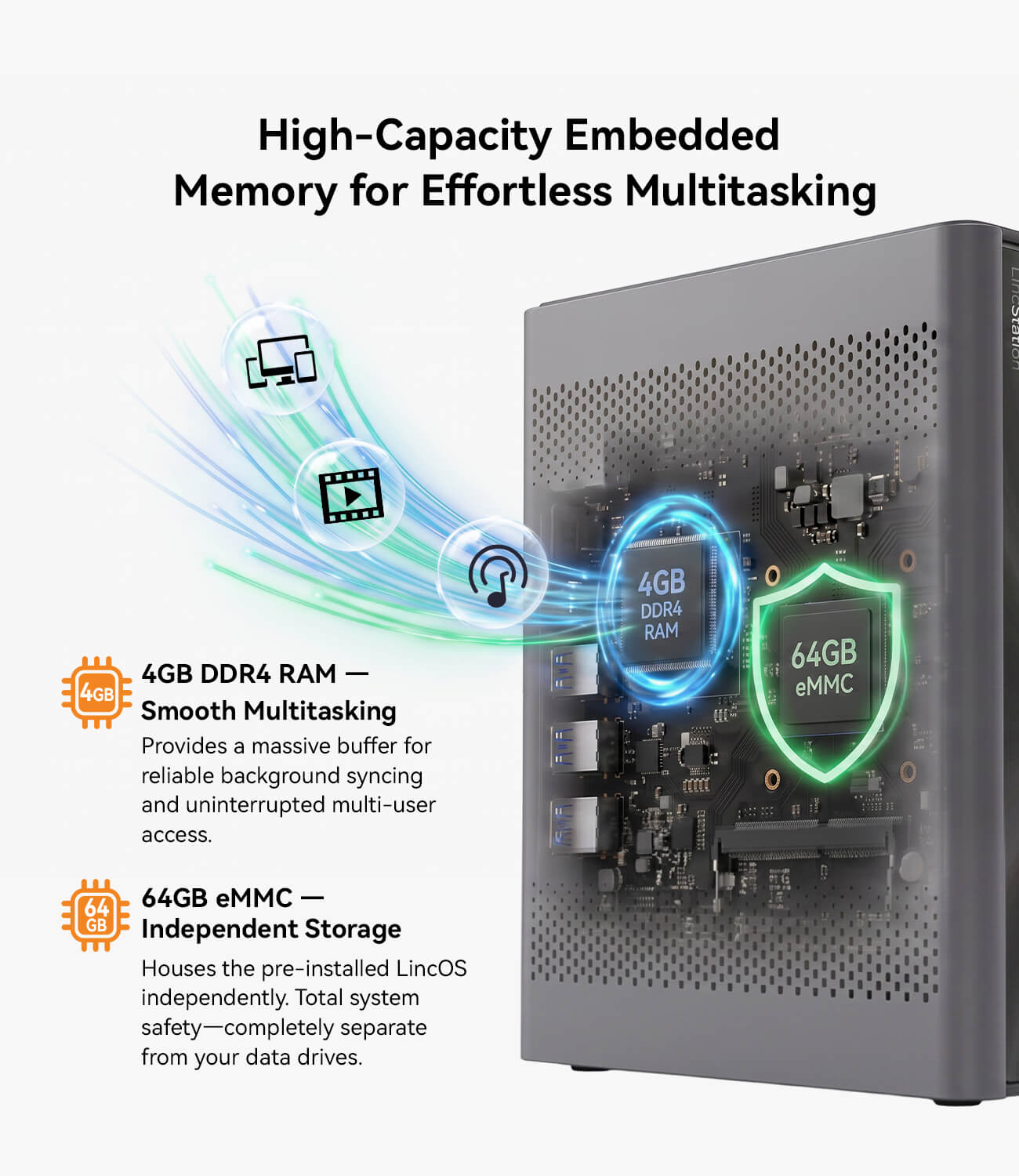
Efficient 4-Core Performance – Powered by a quad-core Cortex-A55 processor up to 2.0GHz with 4GB RAM, delivering stable performance for file storage, media management, and daily NAS tasks.
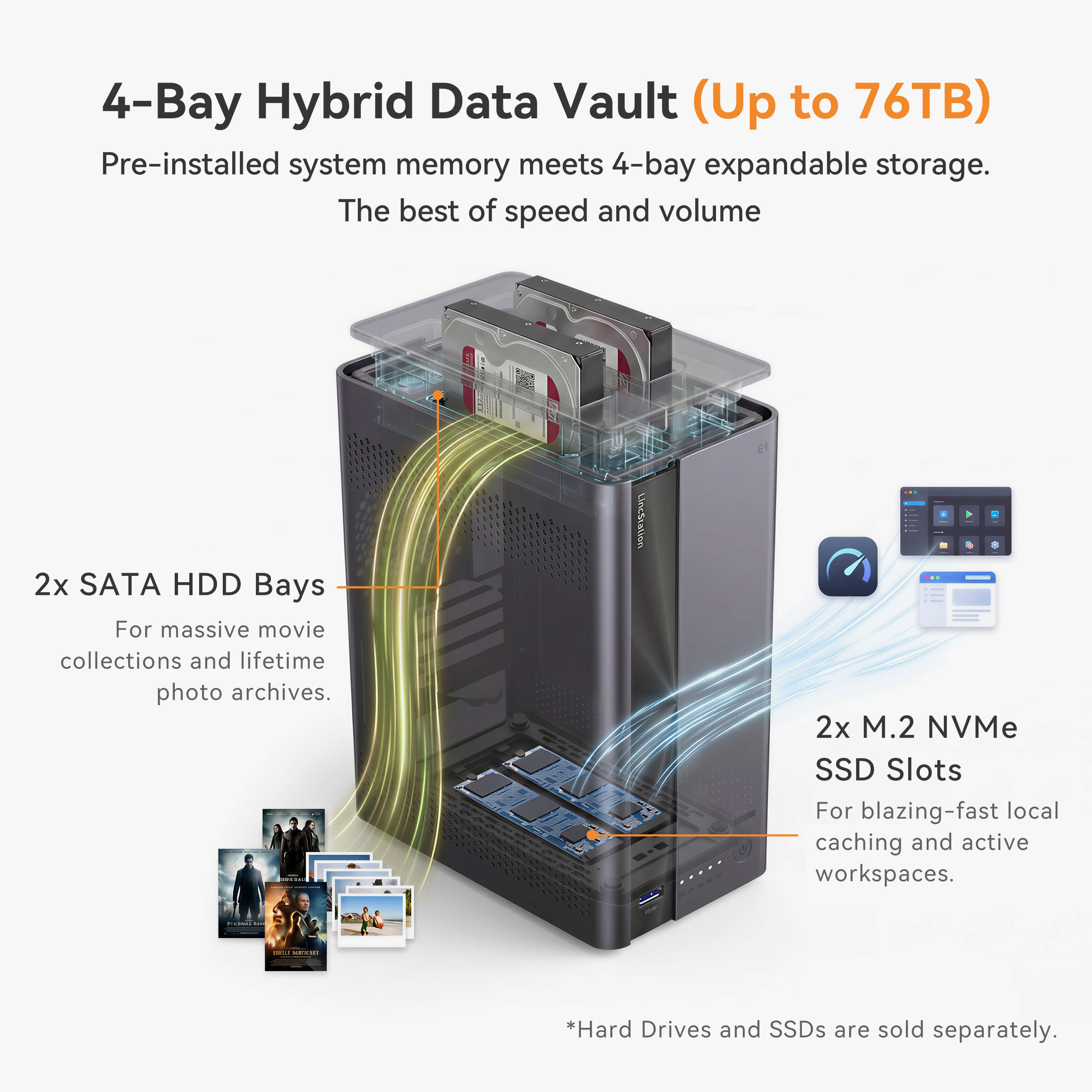
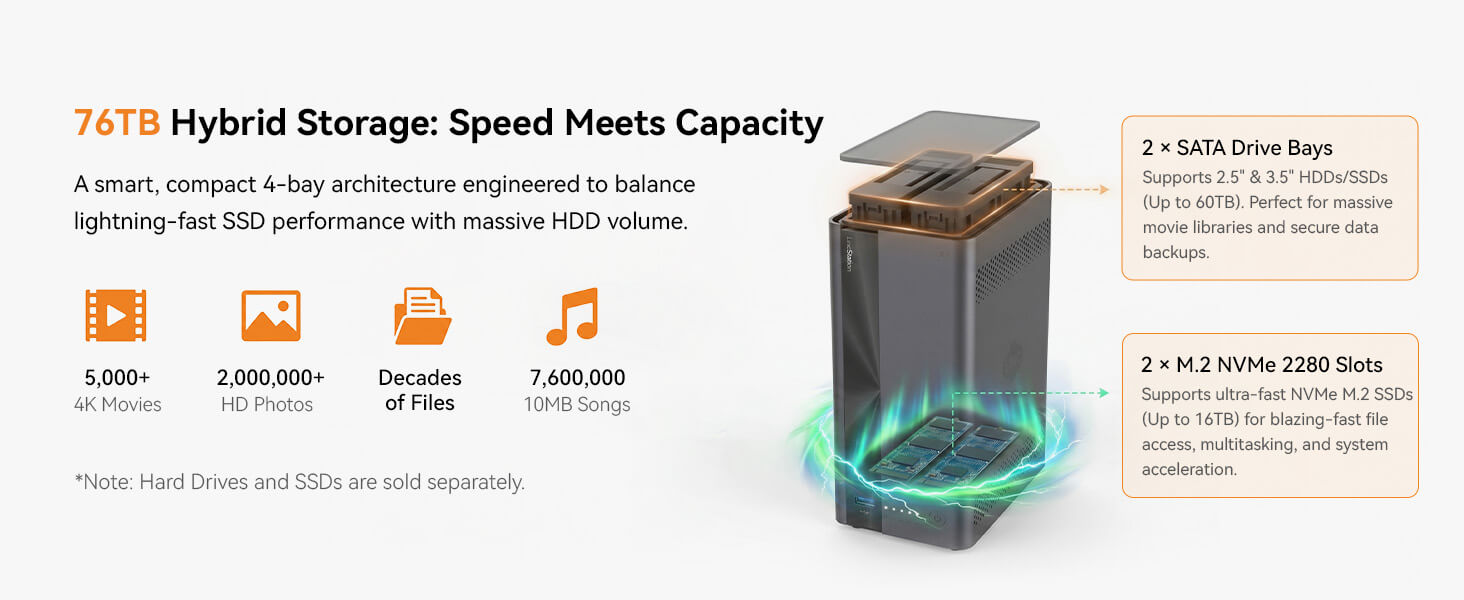
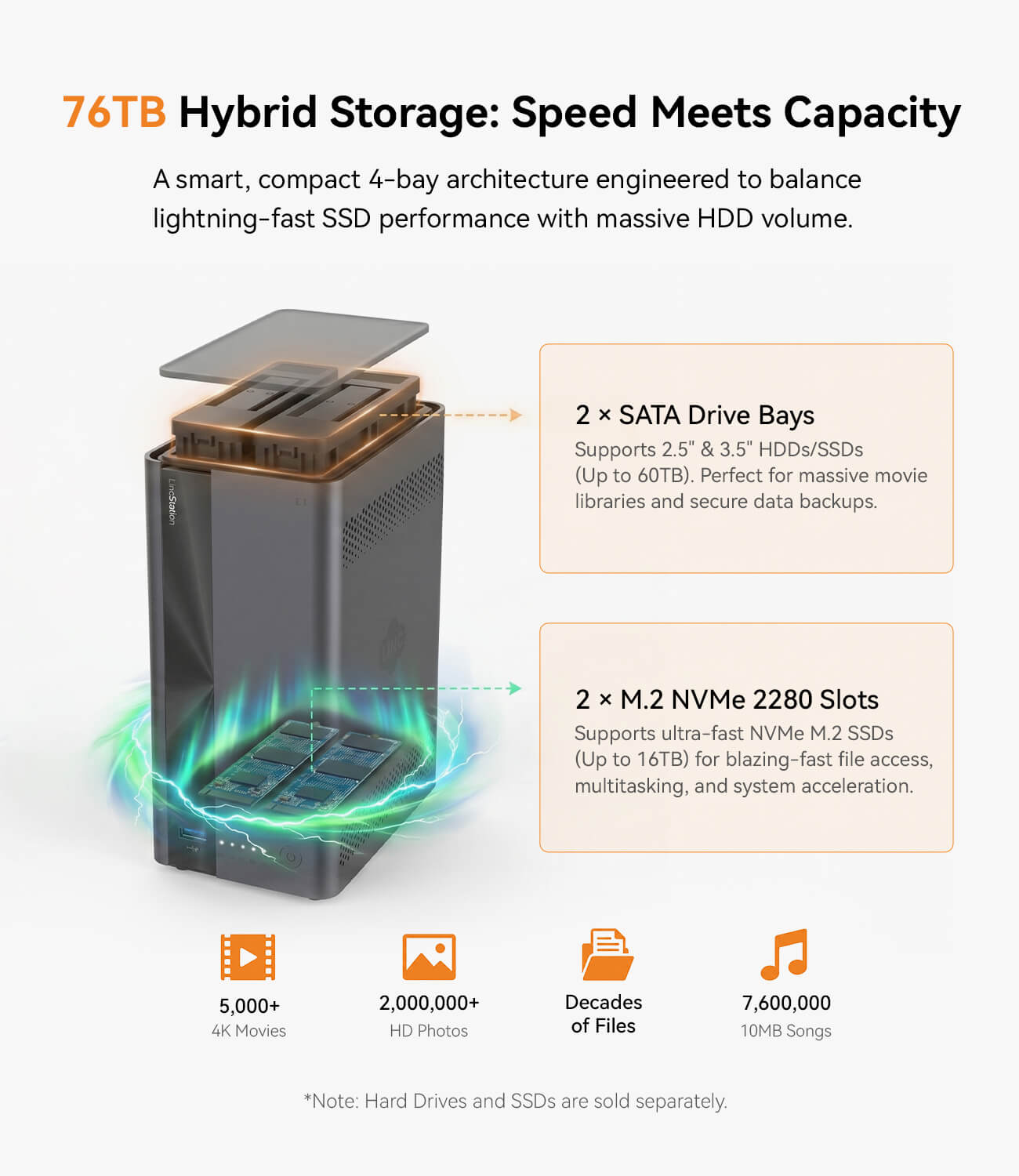
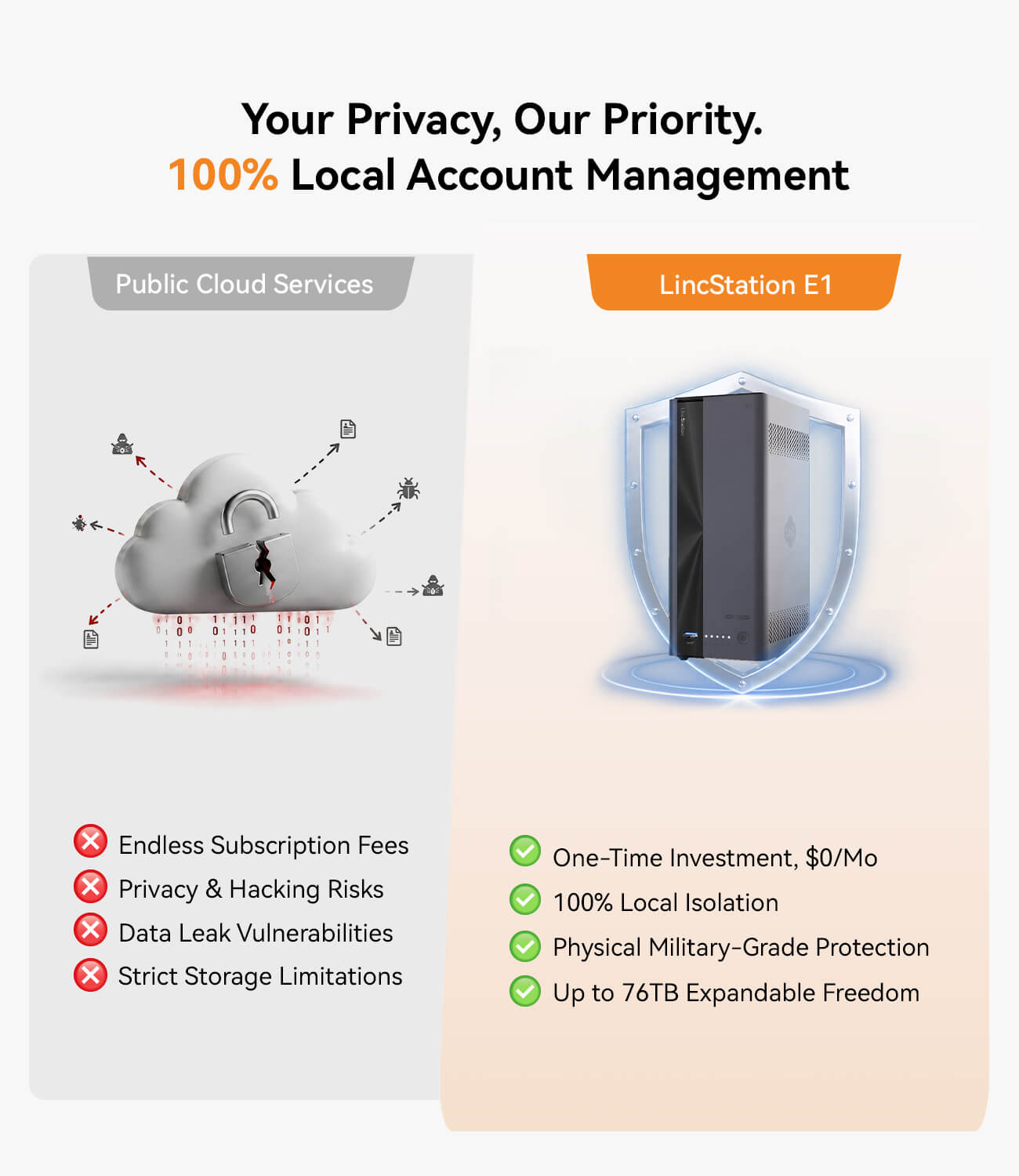
Flexible 4-Bay Storage – Features 2 SATA bays and 2 M.2 NVMe slots, supporting up to 76TB capacity for photos, videos, backups, and personal cloud storage.
2.5GbE Fast Networking – Equipped with a 2.5 Gigabit Ethernet port for faster file transfers, smooth media streaming, and efficient local access.
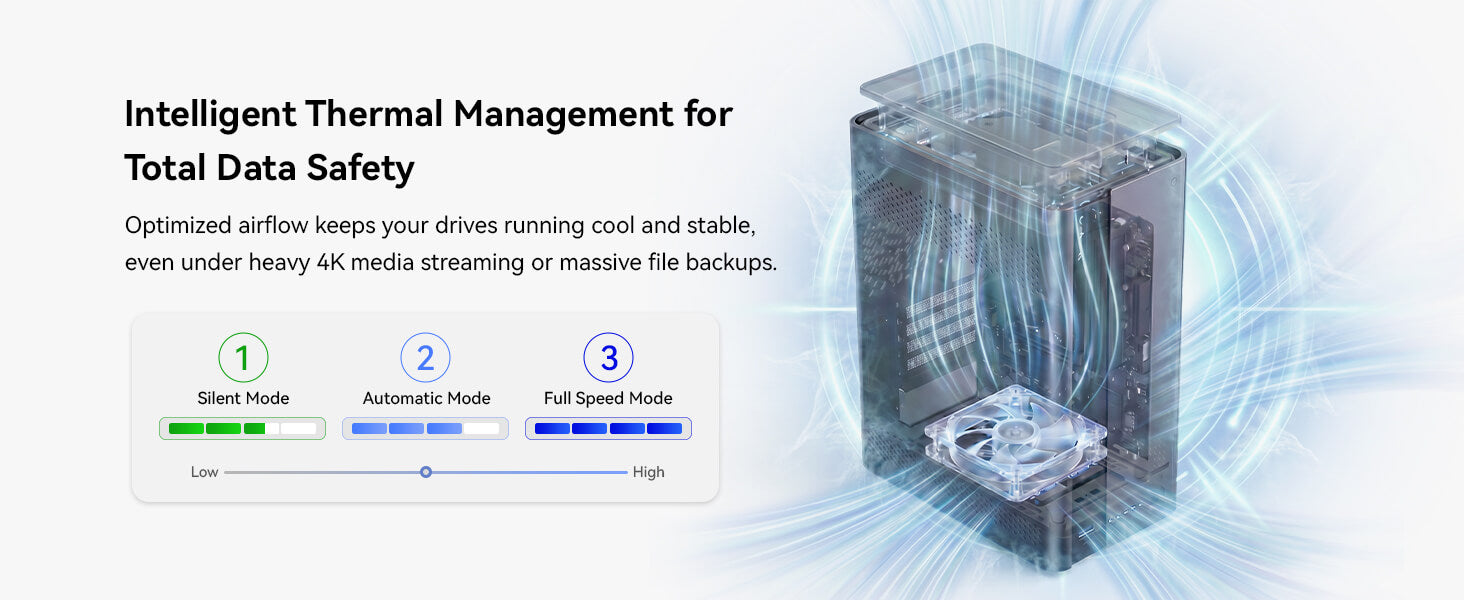
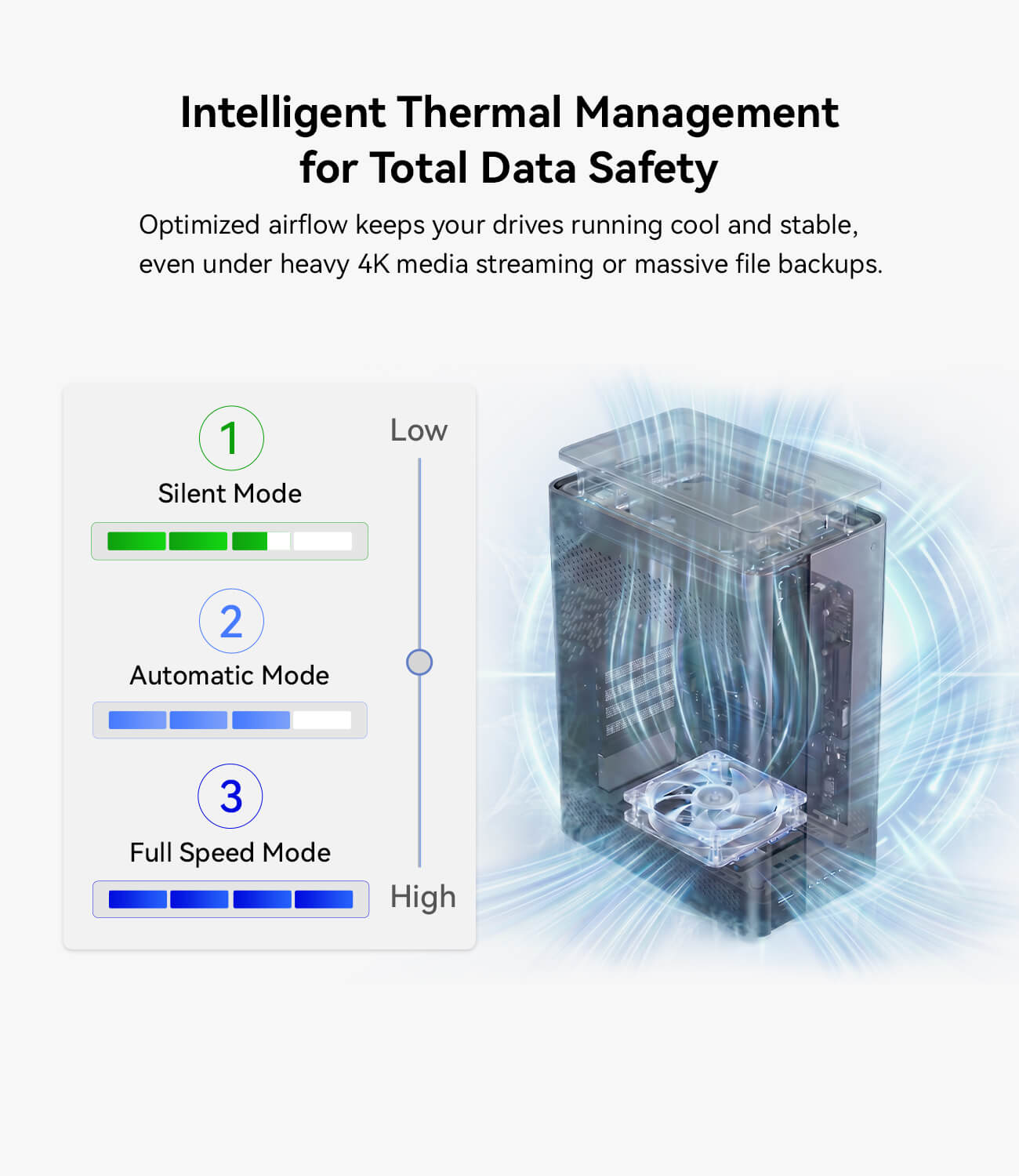
Compact & Low-Power Design – A space-saving mini NAS with low power consumption, quiet operation, and reliable cooling for 24/7 home or office use.
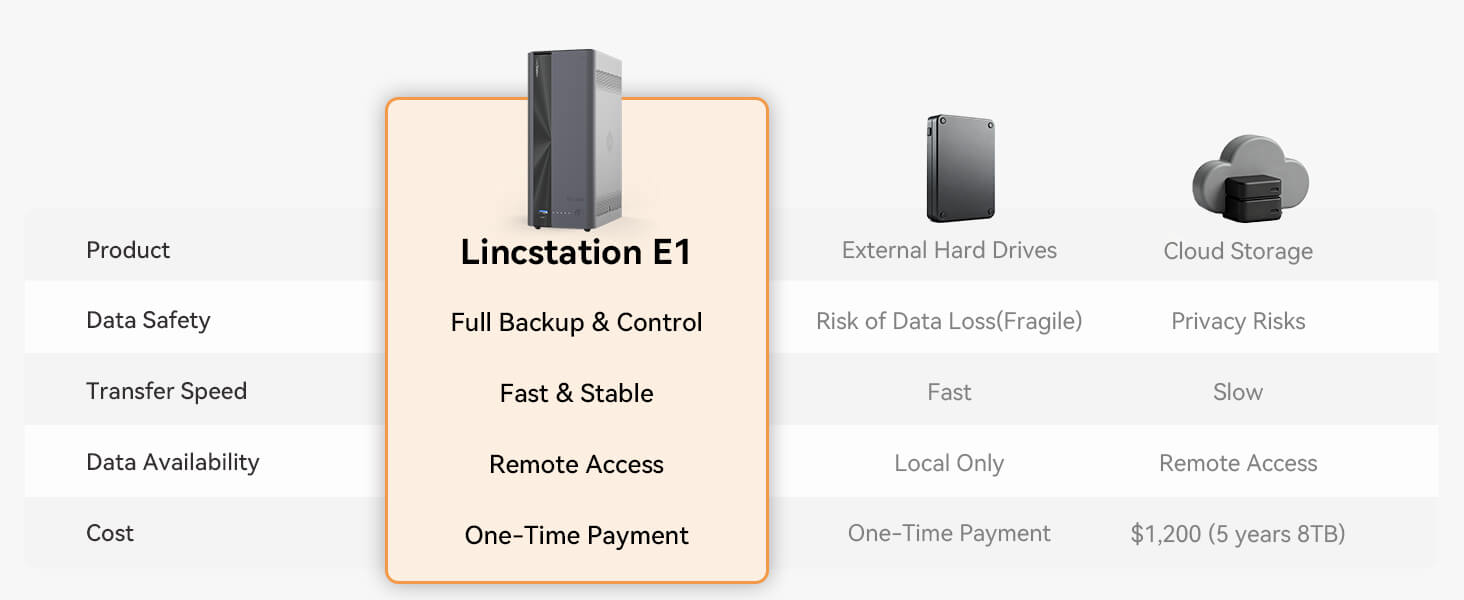
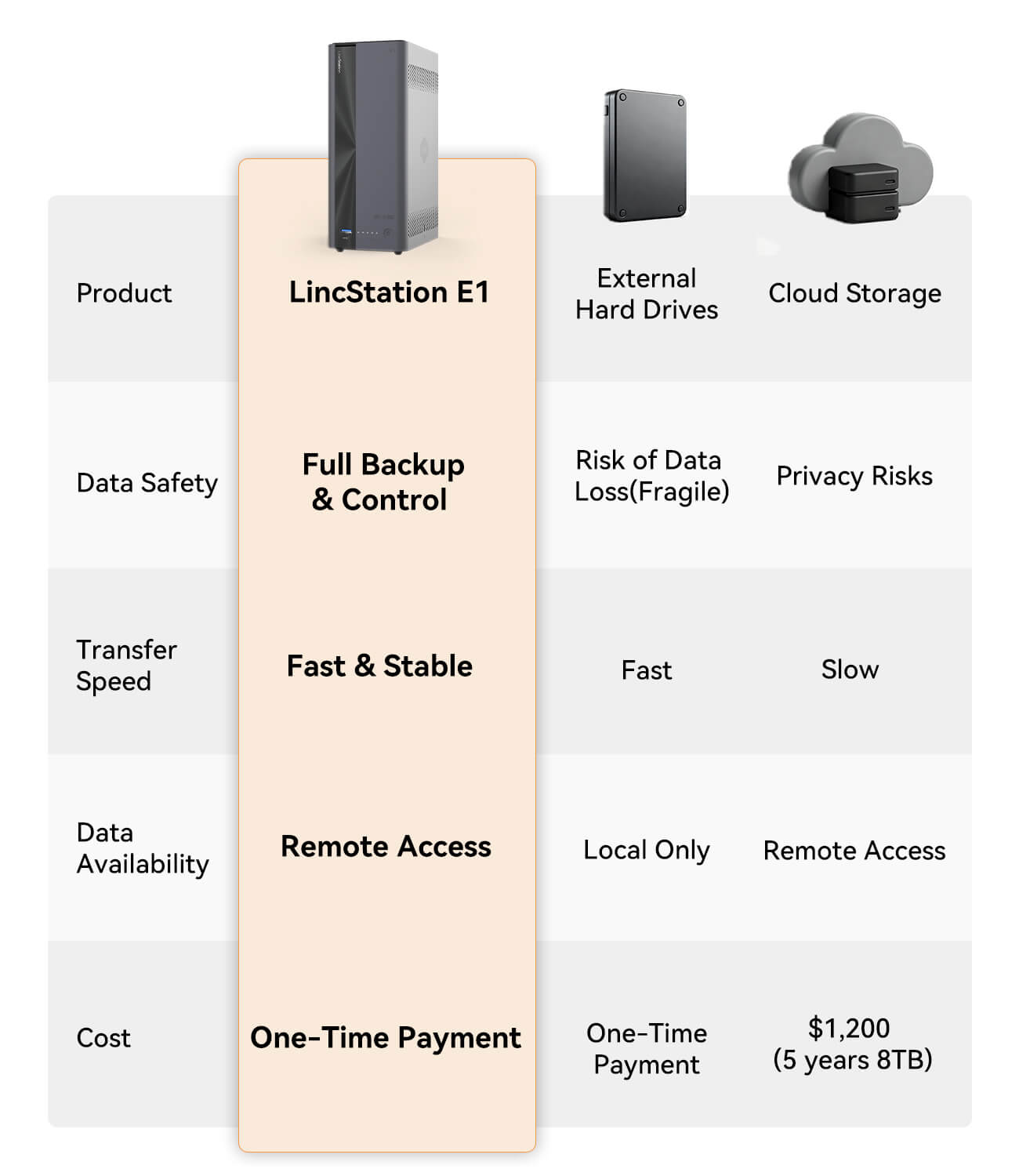
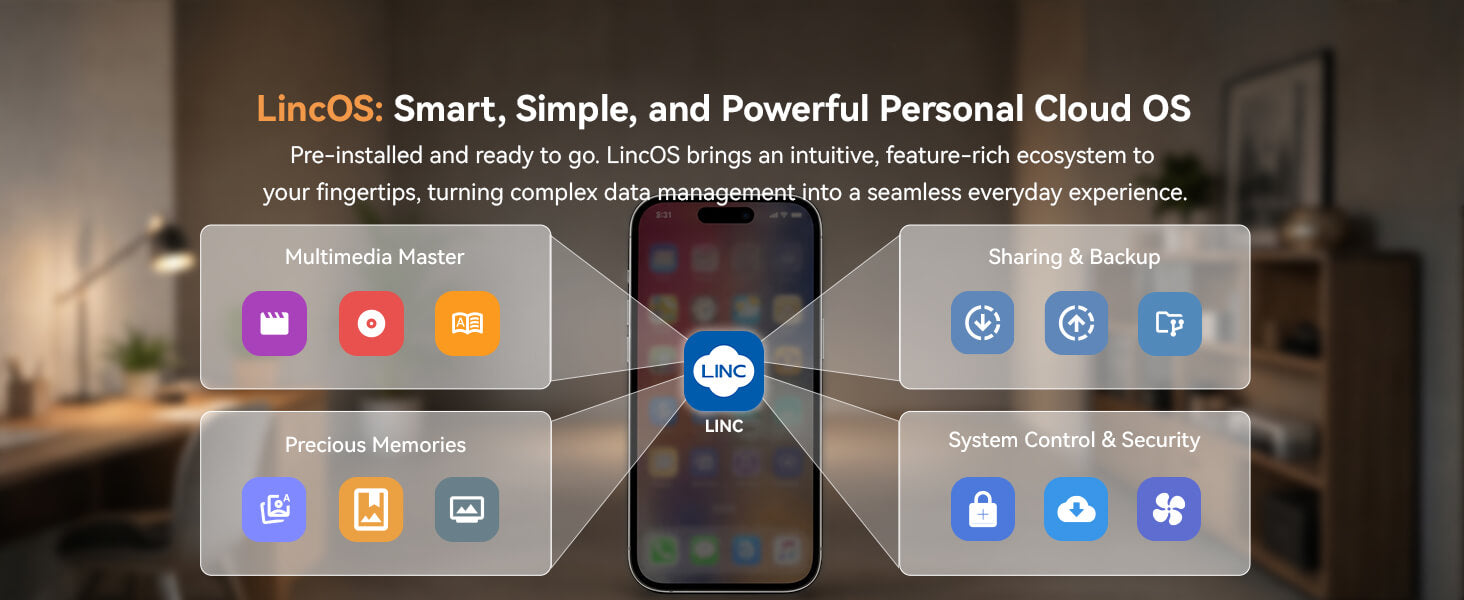
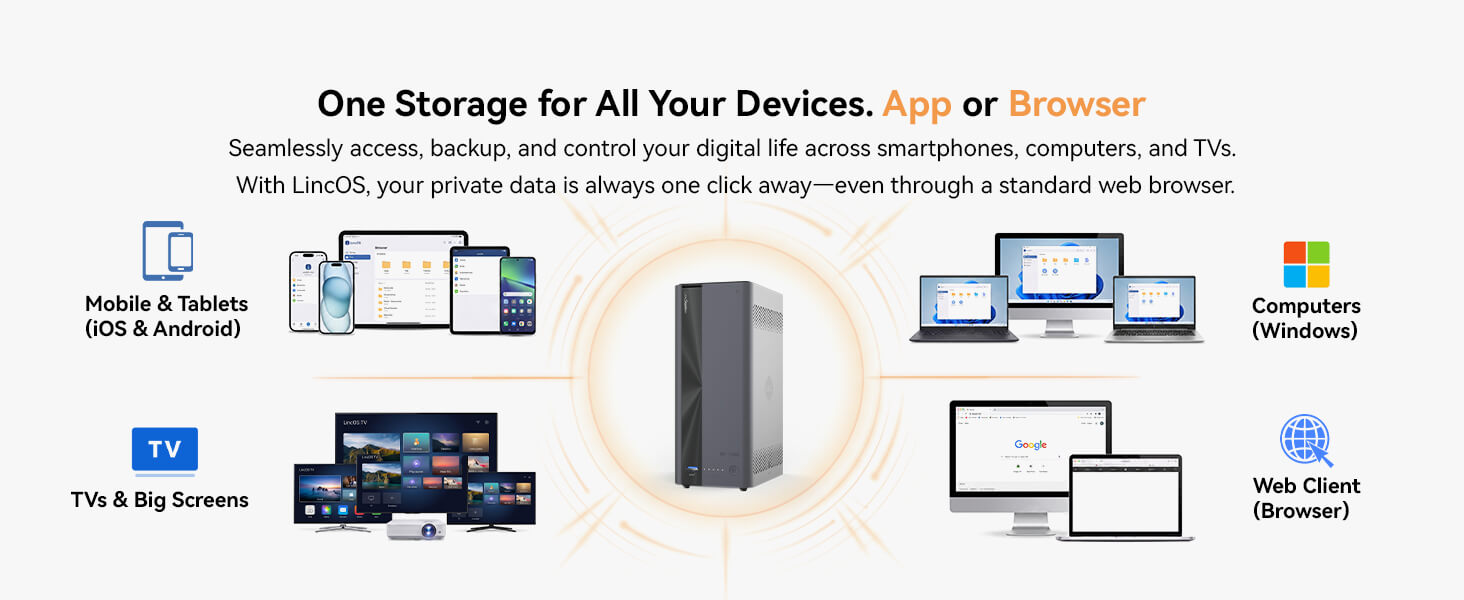
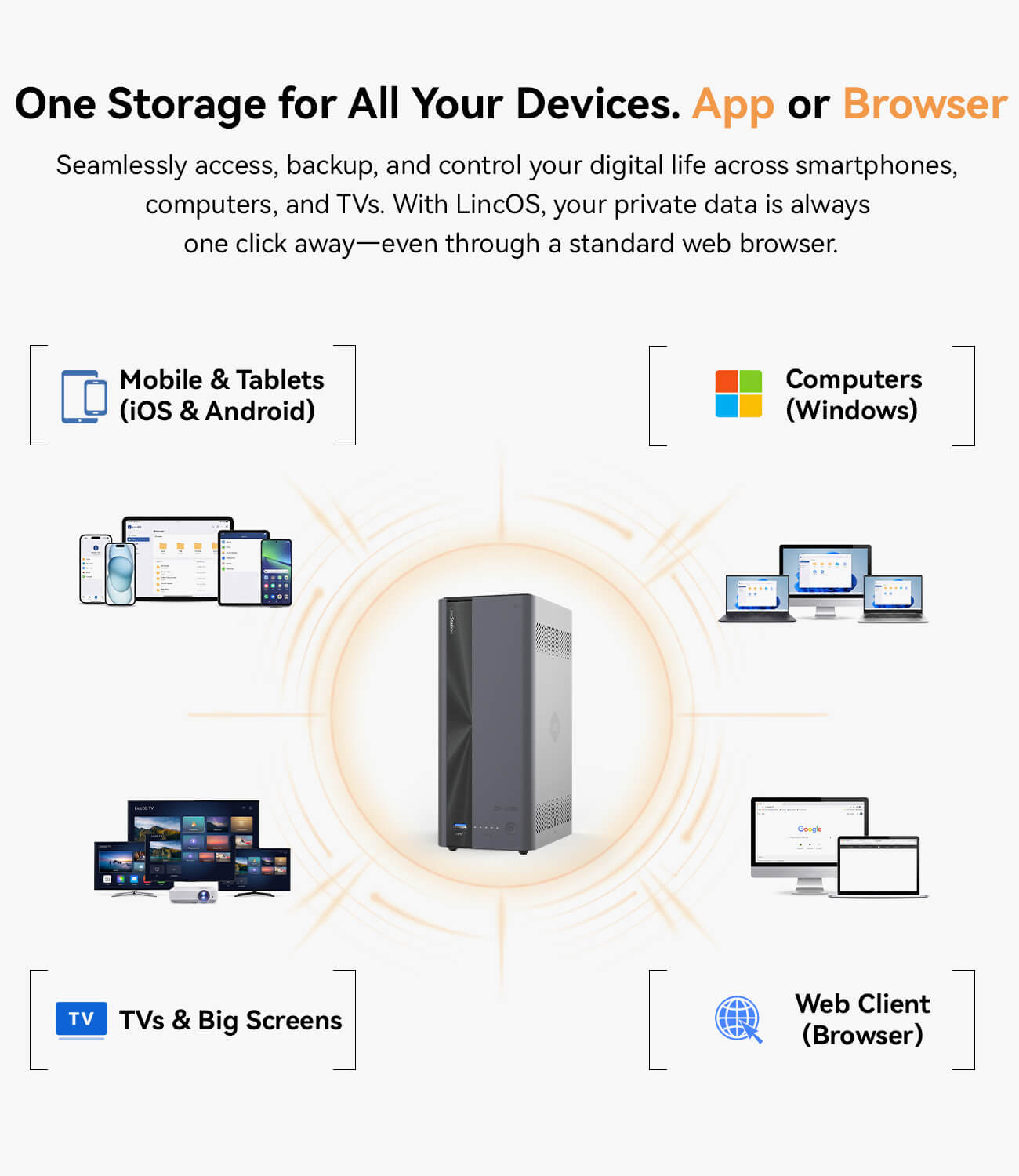
Easy-to-Use LincOS – Comes with LincOS, offering simple setup, remote access, AI photo management, file sharing, and media center features without complex configuration.
- Click to LincPlus DE site
- Out of Stock in UK
Specification
Basic Data
CPU: Rockchip RK3568, Quad-core Cortex-A55 up to 2.0GHz, TDP 6W
OS: LincOS
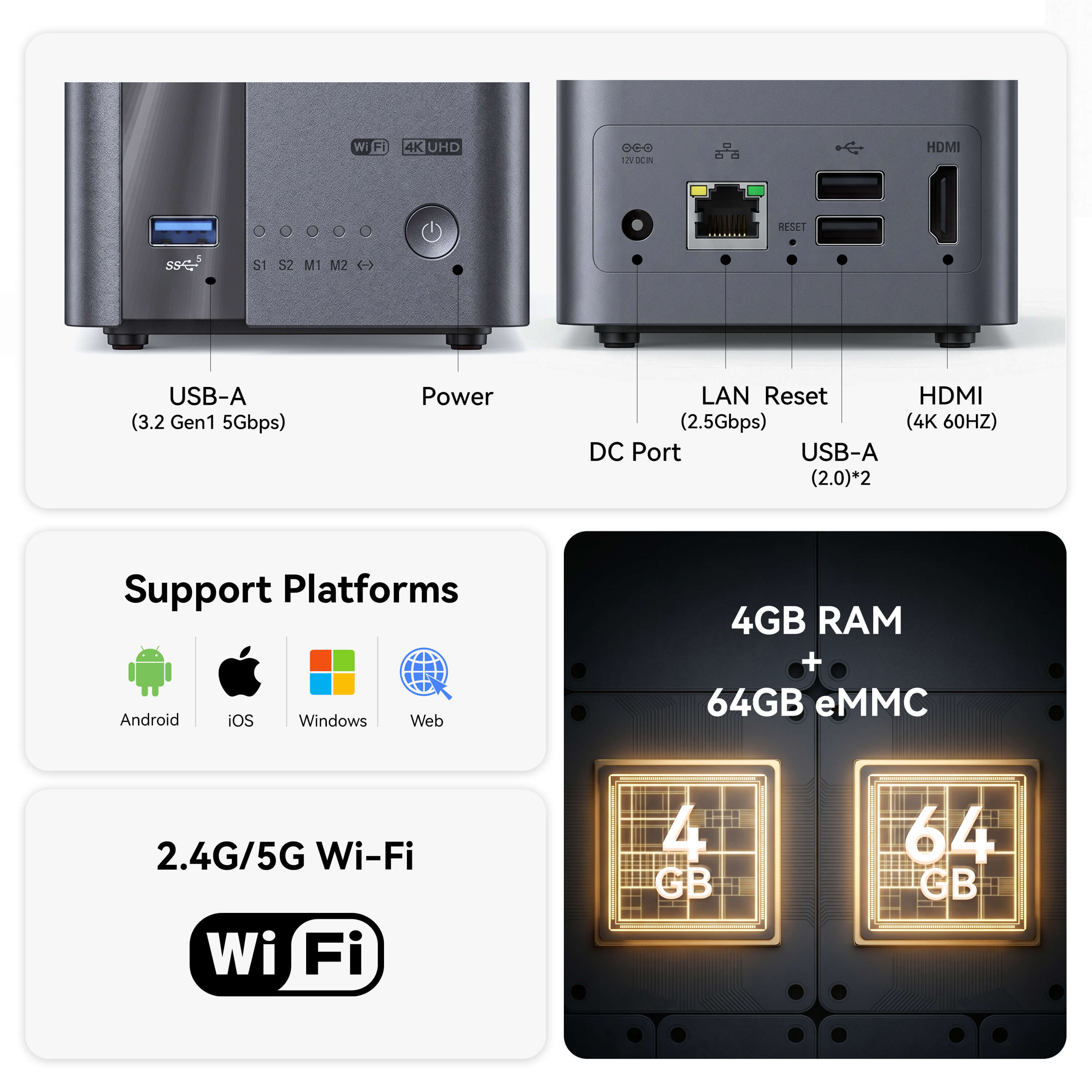
Memory: 4GB
Storage 1: 64GB eMMC
Storage 2: 2-bay SATA 3.0 port, supports 2.5" HDD & SSD and 3.5" HDD
Storage 3: 2-bay M.2 port, supports M.2 2280 SSD
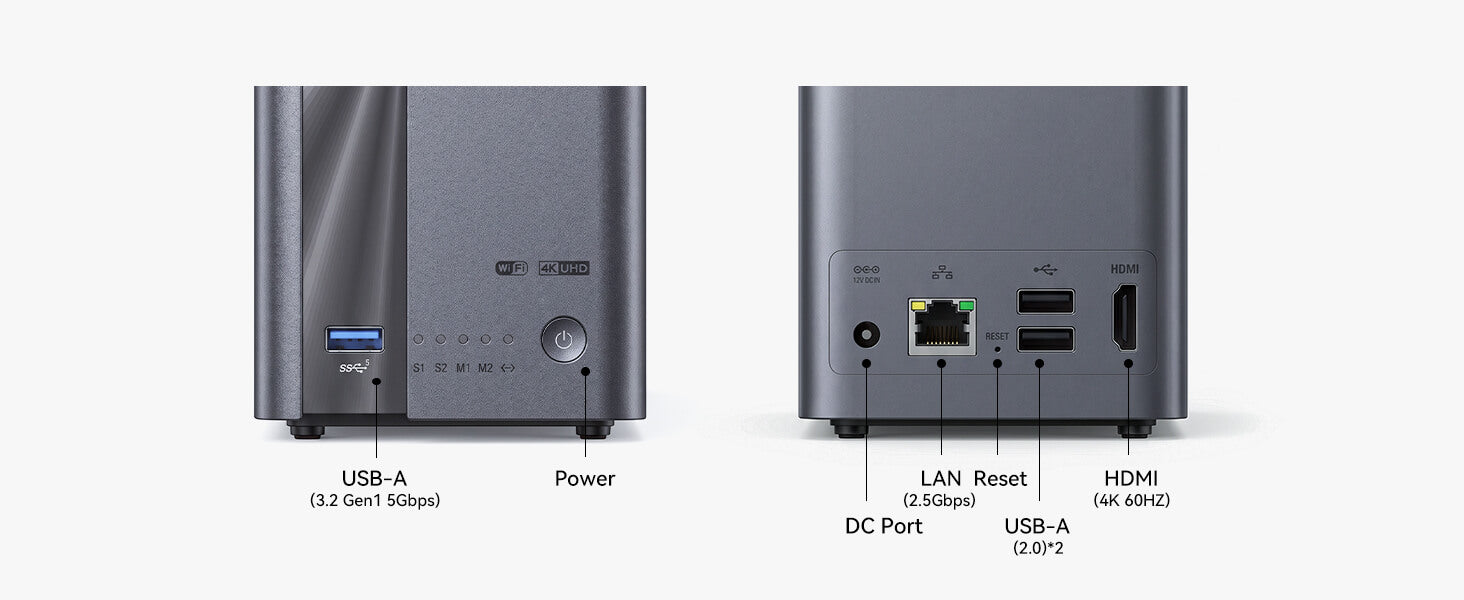
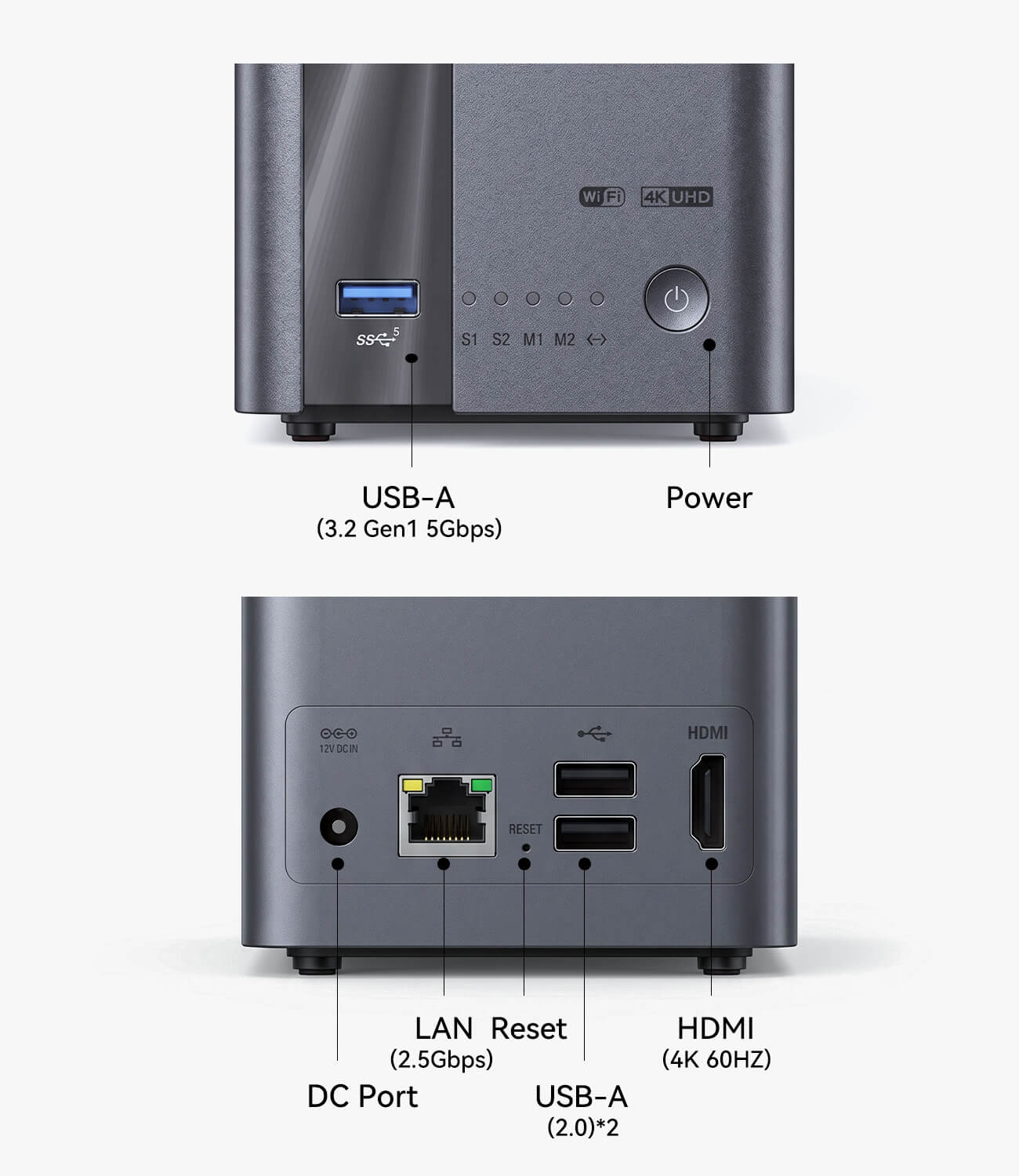
USB: 1 × Type-A USB 3.2 Gen1 + 2 × Type-A USB 2.0
Bluetooth: Supports BT 5.0
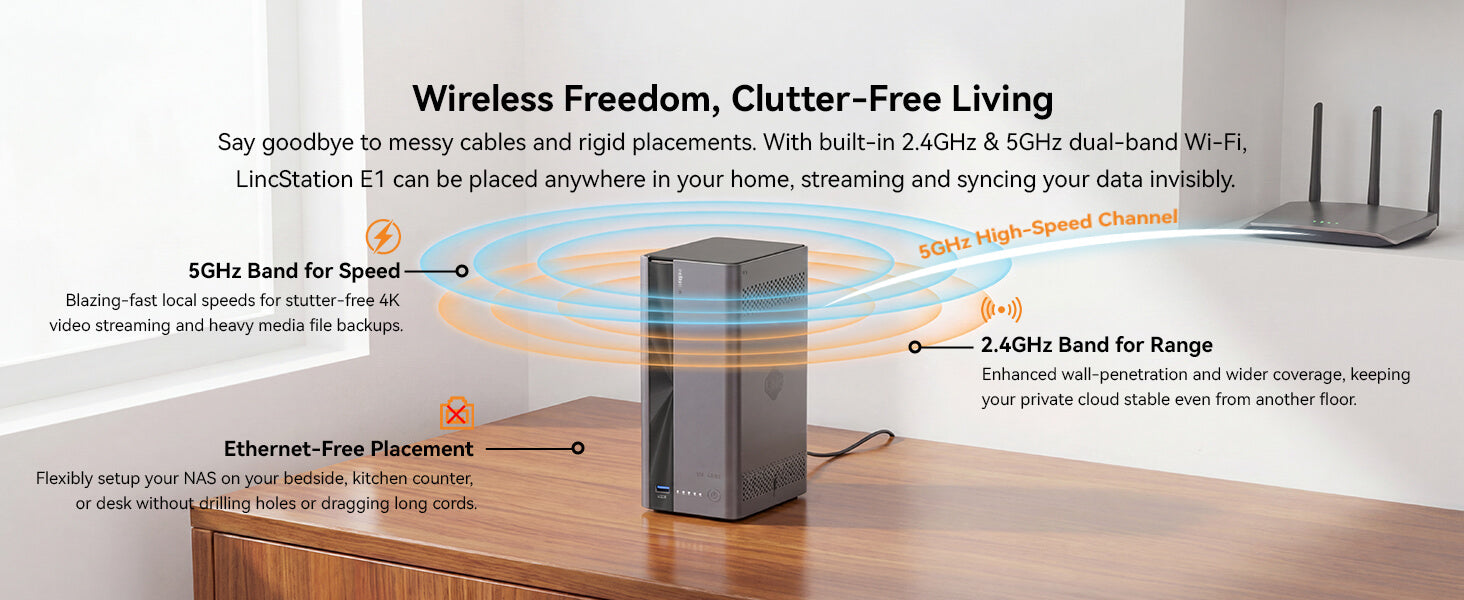
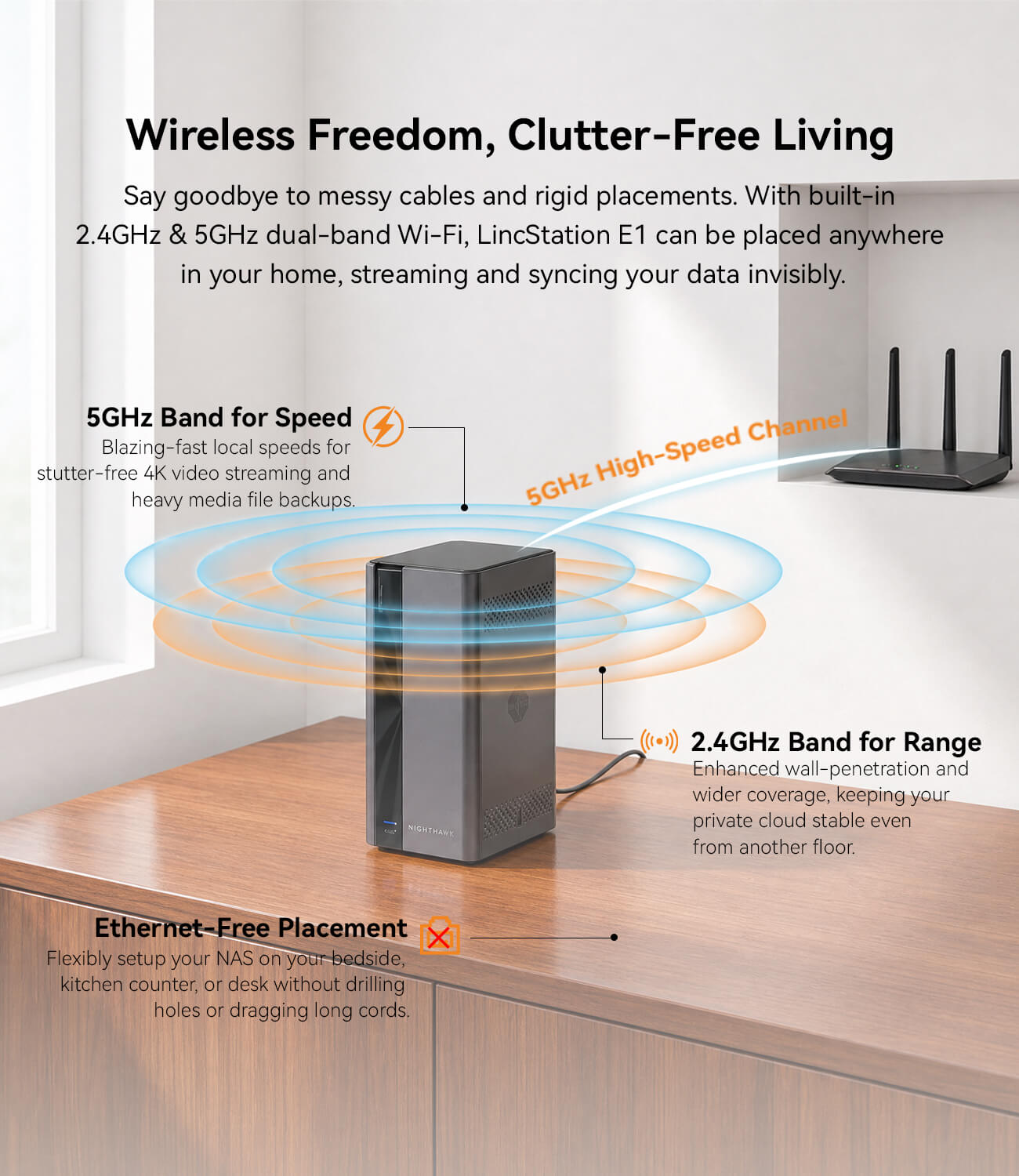
Wi-Fi: Wi-Fi 5, supports 2.4GHz & 5GHz Wi-Fi
HDMI: 1 × HDMI 2.0
Type-A DC Port: Yes, φ5.5 × 2.5mm
Button: 1 × Power button
RJ45: 1 × RJ45, 2.5 Gigabit Ethernet Controller
Charger: 12V/5A, DC
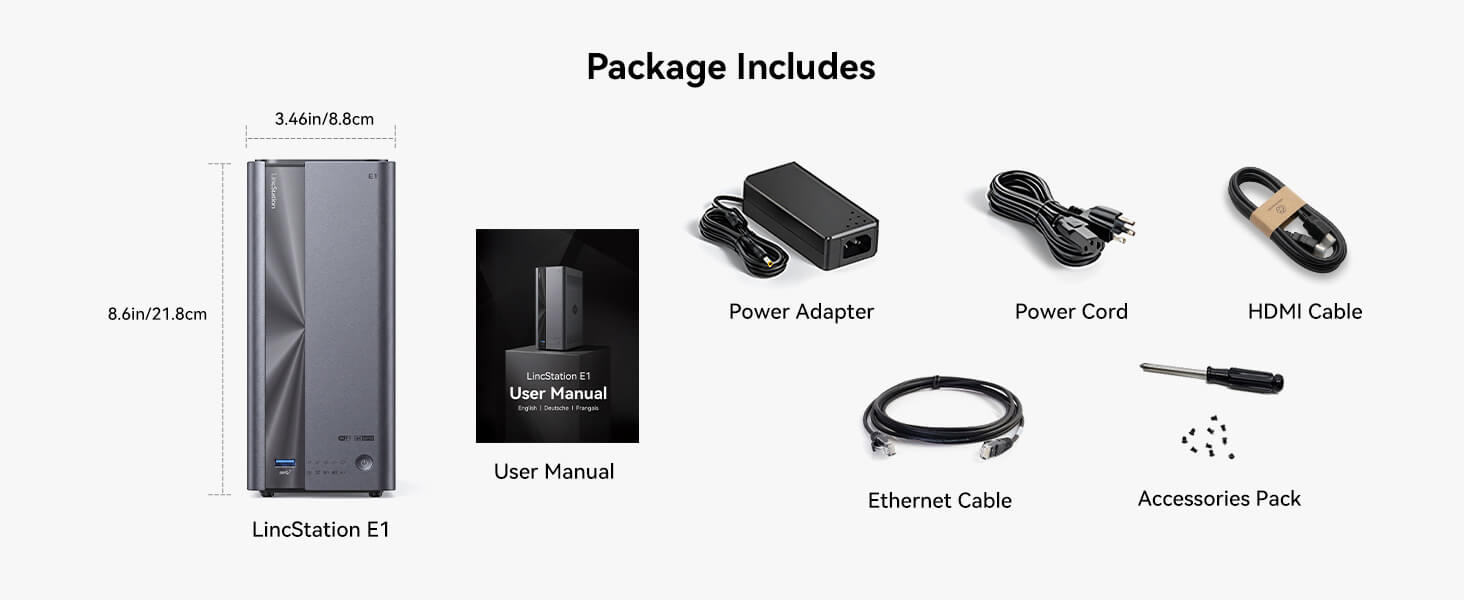
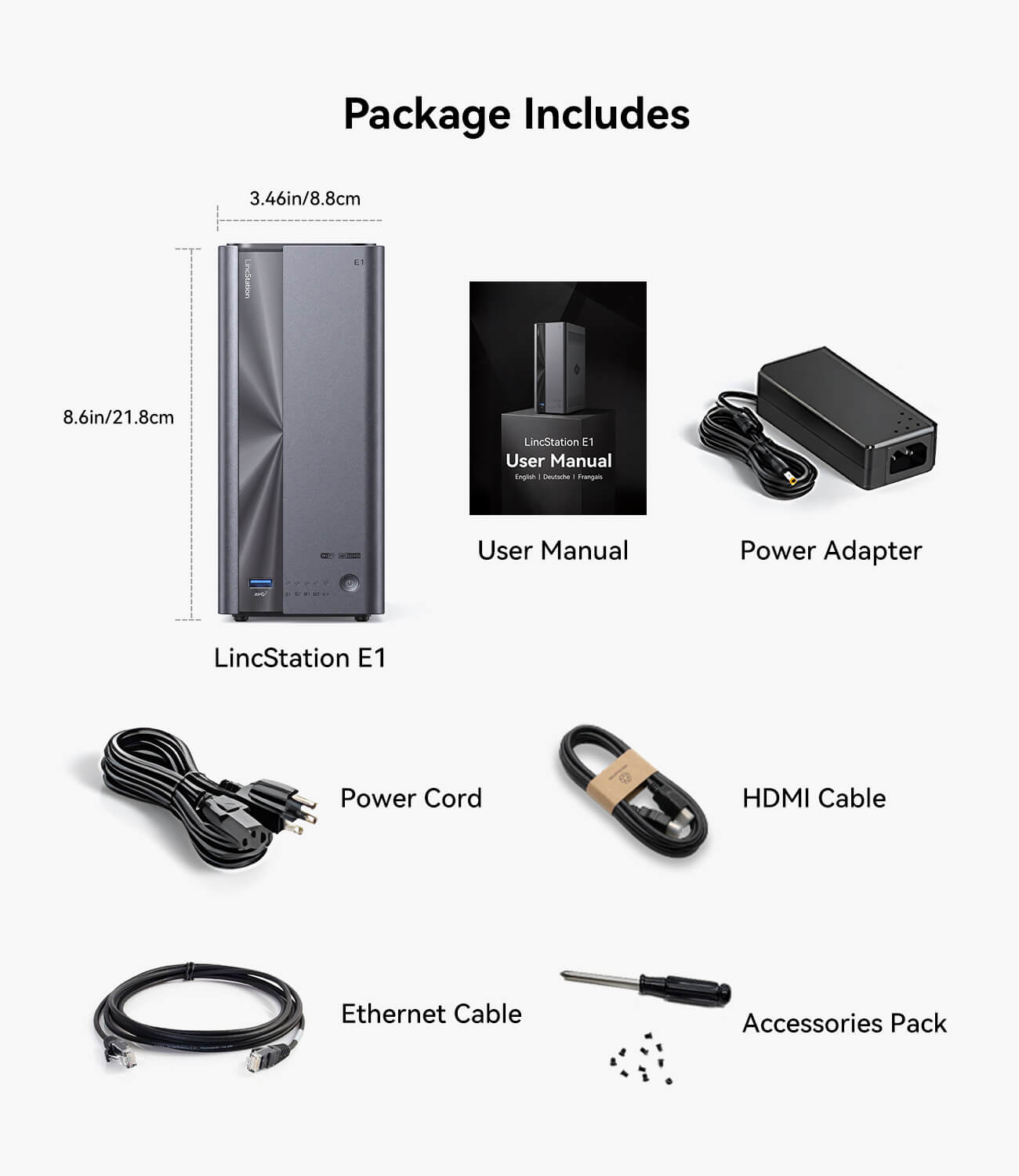
Dimensions: 5.51"D × 3.46"W × 8.60"H
Weight: 907g
Pay with Ease


Fast Shipping

30-Day Money-Back Guarantee

Secure Payment

Lifetime Customer Support














FAQ
What drives are compatible with the LincStation E1?
The LincStation E1 NAS supports:
2 × M.2 NVMe 2280 slots
2 × SATA slots (for 3.5" or 2.5" HDDs, or 2.5" SSDs)
What are the RAID configuration options for LincStation E1?
The LincStation E1 supports RAID 0, 1, 5, 6, and 10, all based on the Btrfs file system. With four drive bays(2 × M.2 NVMe 2280 slots and 2 × SATA slots), you have the flexibility to balance performance and data redundancy according to your needs.
What is the Ethernet specification for the LincStation E1?
The LincStation E1 is equipped with a 2.5GbE port.
How to Activate the Administrator Account?
If this is your first time using the NAS, please follow the steps below to complete the initial setup and activate the administrator account:
1. Please connect the NAS to a power source and turn it on.
2. Please connect the NAS to your router using an Ethernet cable. Ensure that your phone or computer is connected to the same local network (Wi-Fi).
3. Please open the setup interface and select Register New Device. After accepting the User Agreement, the system will begin searching for available devices.
4. Please select your NAS from the device list. If multiple NAS units are detected, you may identify the correct device by matching the SN (Serial Number) shown on the bottom of the NAS.
5. Please create your administrator account by setting a username, password, and security questions (used for password recovery).
Once the setup is complete, the administrator account will be successfully activated.
How to Add Photos to the “Smart Album”?
1. Open Smart Album and tap Settings in the top-right corner.
2. Choose Manage Media Source and add the photo sources you want. Then tap Sync Now.
3. Go back to the Smart Album main page and pull down to refresh.
How is the media playback via the hdmi?
The HDMI port on the LincStation E1 offers a very practical and unique experience. Beyond supporting 4K video hardware decoding and playback, it provides a full-featured NAS desktop interface identical to the Web UI.
Ce produit n'a reçu aucun avis.